
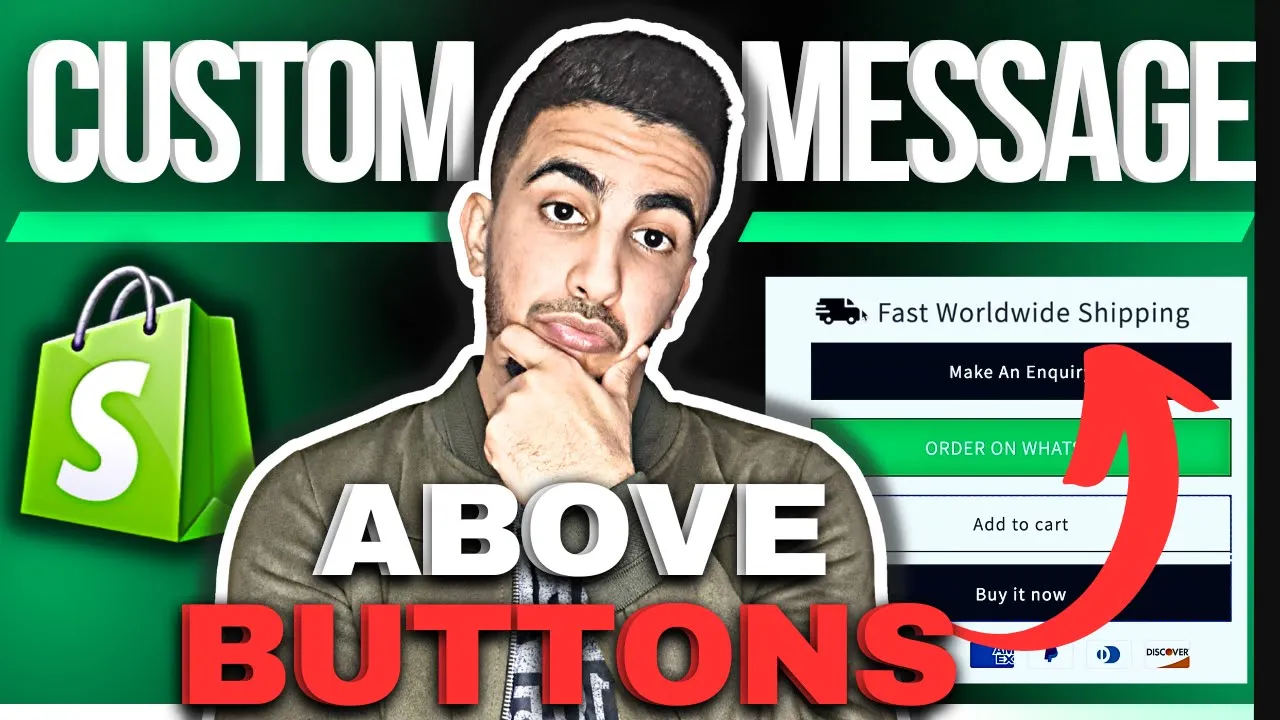
Benefits of Adding Custom Message Above Add to Cart in Shopify
Adding a custom message above your Add to Cart button offers several strategic advantages:
Conversion Optimization Benefits
- Addresses final purchase hesitations right at the decision point
- Reduces cart abandonment by proactively answering common questions
- Creates sense of urgency with limited-time offer notifications
- Provides the final persuasive element needed to complete the sale
Customer Experience Benefits
- Delivers crucial product information exactly when customers need it
- Clarifies expectations about shipping, delivery, or fulfillment times
- Prevents frustration by highlighting important product specifications
- Improves overall satisfaction by setting accurate expectations
Product Information Benefits
- Highlights key features or specifications that drive purchase decisions
- Clarifies product variations or options without cluttering main description
- Emphasizes eco-friendly, sustainable, or ethical product attributes
- Provides size, fit, or compatibility guidance at the critical decision moment
Marketing Benefits
- Creates space for timely promotional messaging (sales, discounts, bundles)
- Highlights loyalty program benefits or rewards for purchasing
- Showcases limited availability to create purchasing urgency
- Reinforces unique selling propositions at the critical conversion moment.
CODE :
<div class="product-block">
  <div style="display: flex; align-items: center; margin: 0 0 5px 0; padding: 0;">
    <img src="https://cdn.shopify.com/s/files/1/0550/4460/4040/files/fast-delivery.png?v=1723666635" alt="Shipping" style="width: 25px; height: 25px; margin-left: 0px; padding: 0;">
    <span style="margin-left: 10px; padding: 0;">Fast Worldwide Shipping</span>
  </div>
</div>
CODE with CSS adjustments :
{% comment %}
  Custom Product Message Block

  You can Use the CSS variables below within the <style> tag
  to easily adjust the appearance.
{% endcomment %}

<style>
  .custom-product-message {
    --cp-text-size: 14px;      /* Adjust the text size (e.g., 12px, 1rem, 0.9em) */
    --cp-text-color: #333333;  /* Adjust the text color (e.g., #000000, black, rgb(50,50,50)) */
    --cp-text-weight: 400;     /* Adjust the text boldness (e.g., 400=normal, 700=bold) */
    --cp-icon-size: 25px;      /* Adjust the icon size */
    --cp-icon-text-spacing: 10px; /* Adjust space between icon and text */
    --cp-bottom-margin: 5px;   /* Adjust the margin below the entire element */
  }

  .custom-product-message__inner {
    display: flex;
    align-items: center;
    margin: 0 0 var(--cp-bottom-margin) 0;
    padding: 0;
  }

  .custom-product-message__icon {
    width: var(--cp-icon-size);
    height: var(--cp-icon-size);
    margin-left: 0; /* Keep specific positioning if needed */
    padding: 0;
    flex-shrink: 0; /* Prevent icon from shrinking */
  }

  .custom-product-message__text {
    margin-left: var(--cp-icon-text-spacing);
    padding: 0;
    font-size: var(--cp-text-size);
    color: var(--cp-text-color);
    font-weight: var(--cp-text-weight);
    line-height: 1.2; /* Added for better vertical alignment consistency */
  }
</style>

<div class="custom-product-message product-block">
  <div class="custom-product-message__inner">
    <img class="custom-product-message__icon" src="https://cdn.shopify.com/s/files/1/0550/4460/4040/files/fast-delivery.png?v=1723666635" alt="Shipping">
    <span class="custom-product-message__text">Fast Worldwide Shipping</span>
  </div>
</div>