
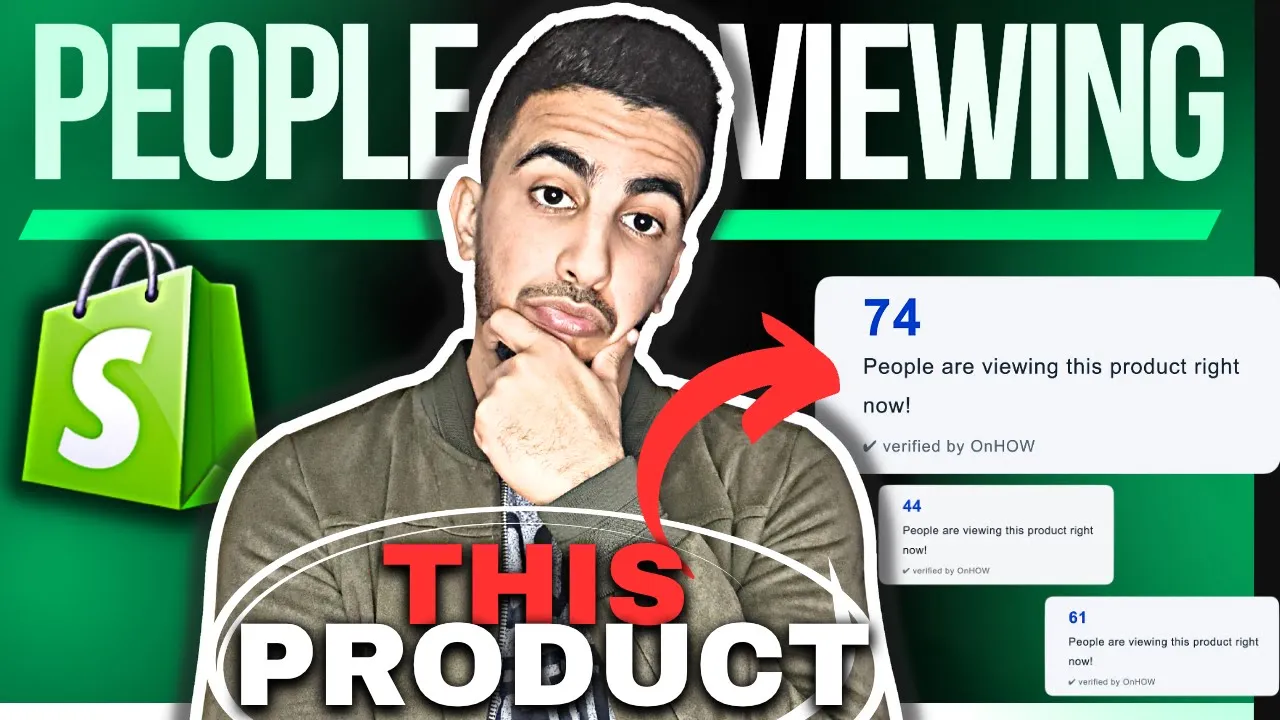
Benefits of Adding “X People Are Viewing This Product” Widget in Shopify
Implementing real‑time viewer‑count indicators on product pages unlocks a powerful mix of psychological and practical advantages:
Visual Engagement Benefits
- Instantly catches the eye with dynamic, live‑updating numbers
- Adds rhythmic motion or subtle pulse effects that keep pages feeling active and current
- Breaks static‑page monotony by introducing real‑time data into the visual hierarchy
- Reinforces design sophistication through on‑brand typography, color, and micro‑animation
- Differentiates the storefront from generic themes lacking dynamic social‑proof elements
Social Proof & Urgency Benefits
- Signals genuine shopper interest, reassuring visitors of product popularity
- Leverages herd mentality—“Others are looking; I should act now”—to reduce hesitation
- Creates fear of missing out (FOMO), heightening urgency to add to cart before stock runs out
- Validates purchasing decisions with transparent, real‑time peer activity
- Strengthens trust by showcasing live engagement rather than static claims
User Experience Benefits
- Provides immediate context about product demand without extra clicks or pop‑ups
- Guides decision‑making by highlighting items that are currently trending among peers
- Delivers a subtle, non‑intrusive nudge that keeps focus on the product details
- Offers mobile users a concise, thumb‑friendly cue requiring zero additional interaction
- Enhances satisfaction as shoppers feel part of an active, vibrant marketplace
Conversion Optimization Benefits
- Increases add‑to‑cart rates by coupling social proof with urgency cues
- Reduces cart abandonment by reminding users that others may purchase first
- Boosts average order value when combined with low‑stock or “only X left” alerts
- Extends session duration as visitors explore other products to see live viewer counts
- Supports upselling strategies—highlight complementary items that also show high activity
CODE 1 :
<script>
document.addEventListener('DOMContentLoaded', function () {
    // Minimum view count
    var minViews = 30;
    // Maximum view count
    var maxViews = 99;
    // Number of people viewing this product
    var viewCount = Math.floor(Math.random() * (maxViews - minViews) + minViews);
    // Text after the view count
    var text = 'people are viewing this product right now.';

    // Create the new element to display on the page
    var $viewCountElement = document.createElement('div');
    $viewCountElement.className = 'custom-view-count';

    // Create inner HTML structure
    $viewCountElement.innerHTML = `
        <div class="icon">
            <div class="circle"></div>
        </div>
        <div class="text">
            <span class="count">${viewCount}</span> People are viewing this product right now!
            <div class="verified">✔ verified by OnHOW</div>
        </div>
    `;

    // Determine where to put the new element
    var $form = document.querySelector('product-form');
    var $pickupOptions = document.querySelector('pickup-availability');
    if ($pickupOptions) {
        // Insert our view count element before the pickup options
        $pickupOptions.parentElement.insertBefore($viewCountElement, $pickupOptions);
    } else if ($form) {
        // If no pickup options, place it at the end of the product form
        $form.appendChild($viewCountElement);
    }
});
</script>
CODE 2 :
.custom-view-count {
    display: flex;
    align-items: center;
    padding: 10px 20px;
    background-color: #F4F6F8;
    border-radius: 12px;
    box-shadow: 0 4px 6px rgba(0, 0, 0, 0.1);
    font-family: Arial, sans-serif;
    color: #212B36;
    margin: 20px 0;
    font-size: 16px;
}

.custom-view-count .icon {
    margin-right: 15px;
}

.custom-view-count .icon .circle {
    width: 40px;
    height: 40px;
    background-color: #0094FF;
    border-radius: 50%;
    position: relative;
}

.custom-view-count .icon .circle::before {
    content: '';
    position: absolute;
    top: 50%;
    left: 50%;
    width: 24px;
    height: 24px;
    background-color: #F4F6F8;
    border-radius: 50%;
    transform: translate(-50%, -50%);
}

.custom-view-count .text {
    display: flex;
    flex-direction: column;
}

.custom-view-count .text .count {
    font-size: 24px;
    font-weight: bold;
    color: #0056B3;
}

.custom-view-count .text .verified {
    font-size: 12px;
    color: #6C757D;
    margin-top: 5px;
}