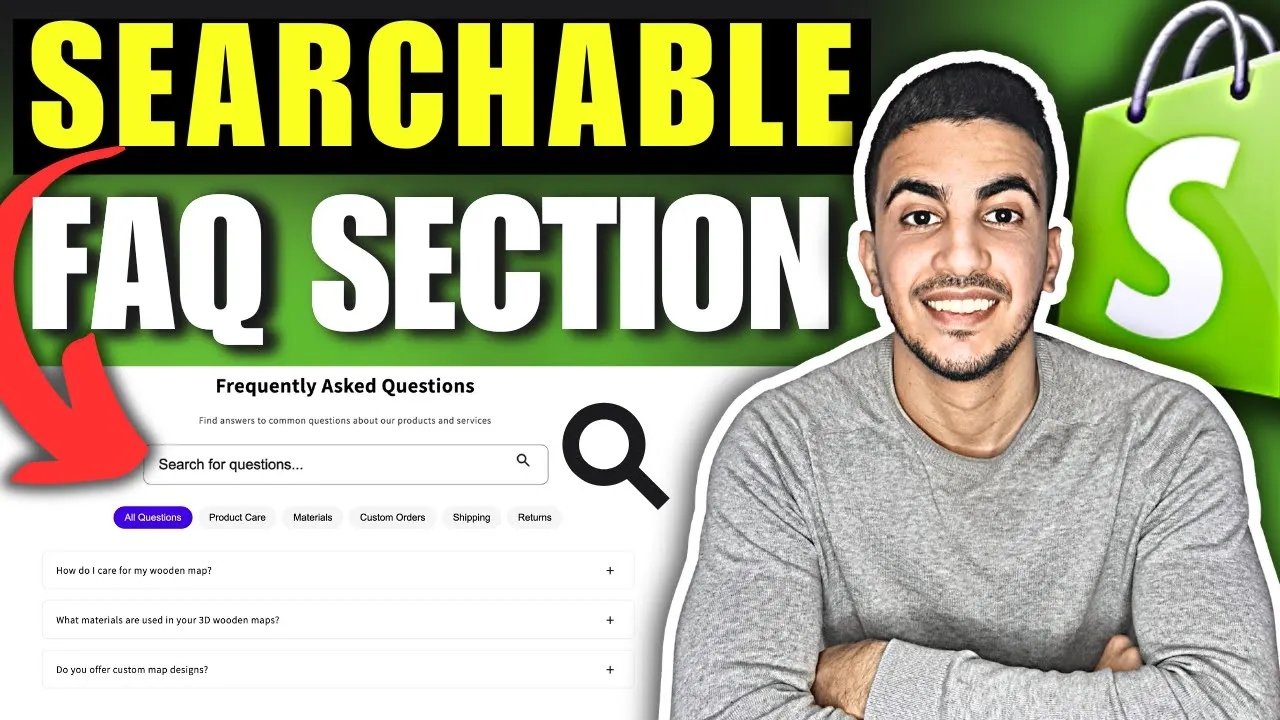
Implementing a filterable FAQ section on your Shopify storefront organizes information, cuts support overhead, and drives confident purchasing unlocking several strategic advantages:
Customer Support Efficiency
• Deflects repetitive inquiries by letting shoppers self serve answers instantly.
• Slashes ticket volume, freeing your team to focus on high value or complex cases.
• Surfaces real time search data top FAQ clicks reveal emerging pain points.
• Reduces return rates by clarifying policies (shipping, sizing, warranties) before checkout.
User Experience
• Offers category filters or live search so visitors jump straight to relevant topics.
• Prevents “scroll fatigue” versus long, unstructured FAQ pages.
• Adapts seamlessly on mobile accordion answers open within a compact list, preserving readability.
• Enhances accessibility with keyboard navigable filters and ARIA roles for screen readers.
Conversion Impact
• Builds trust and transparency, easing hesitation at critical decision points.
• Keeps shoppers on site longer, increasing the likelihood of add to cart actions.
• Boosts upsell potential link answers to compatible products or services.
• Minimizes cart abandonment by resolving last minute doubts without leaving the page.
SEO & Performance
• Structures content in semantic HTML, boosting keyword relevance for long tail queries.
• Enables rich snippet markup (FAQPage), improving SERP visibility and click through rates.
• Loads lightweight JavaScript for instant filtering, preserving Core Web Vitals.
• Consolidates answers into one URL, avoiding duplicate content issues across separate help articles.

INSTALL
Copy & paste the section code (it's easy, I'll show you how!).

ADD
Add the section to any page using the theme editor as you normally would.

CUSTOMIZE
Customize the design to your branding by adding text, images and selecting layout.