
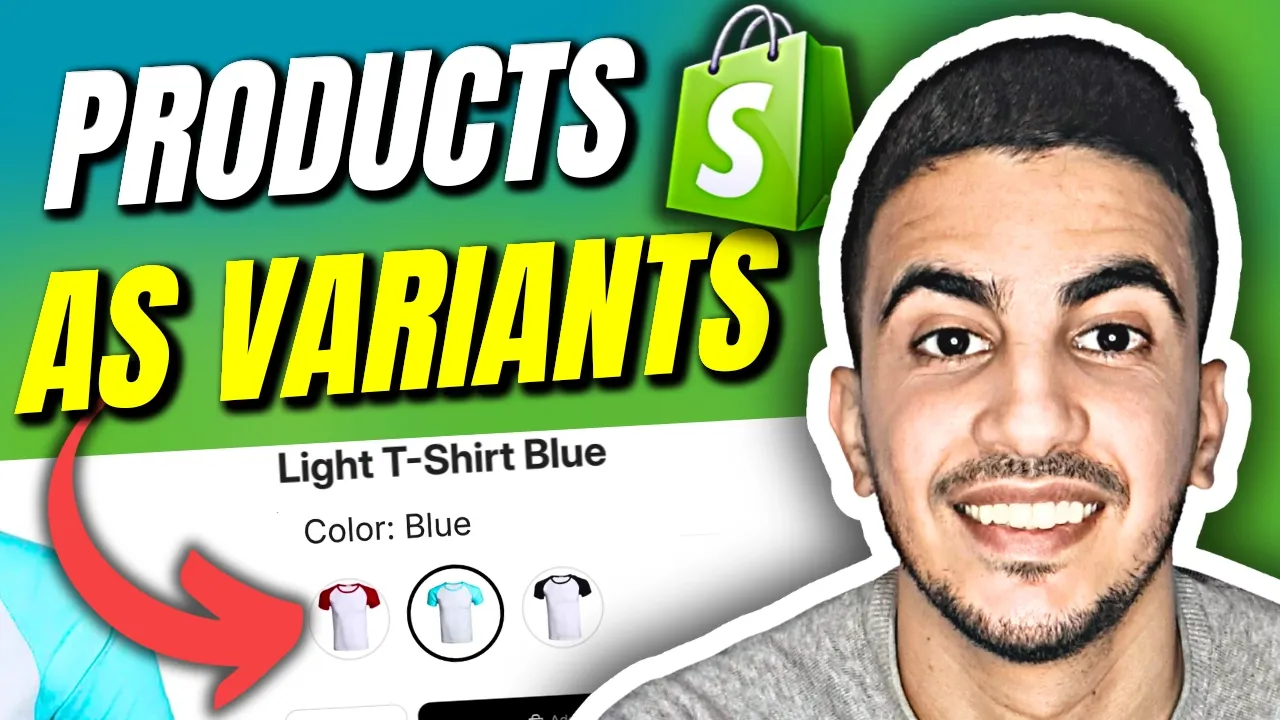
This custom code is completely free to use, but please note it does not include 1-on-1 technical support. If you need a bespoke, done-for-you solution to customize your Shopify store, my team is here to help! Head to my channel homepage and use the link in the trailer to reach out.
{% if product.metafields.custom.sibling_products != blank %}
  {% assign current_color = product.metafields.custom.color_name.value | default: product.title %}

  <style>
    .f8pr-variant-selection ul.check.color {
      list-style: none !important;
      padding: 0 !important;
      margin: 0 0 16.5px 0 !important;
      display: flex !important;
      flex-wrap: wrap !important;
      gap: 13.2px !important;
    }

    .f8pr-variant-selection ul.check.color > li {
      position: relative !important;
      margin: 0 !important;
    }

    .f8pr-variant-selection ul.check.color > li input[type="radio"] {
      display: none !important;
    }

    .f8pr-variant-selection ul.check.color > li label .icon-circle {
      display: block !important;
      width: 44px !important;
      height: 44px !important;
      border-radius: 50% !important;
      border: 1px solid rgba(0,0,0,0.1) !important;
    }

    .f8pr-variant-selection ul.check.color > li input[type="radio"]:checked + label .icon-circle {
      outline: 2.2px solid #000 !important;
      outline-offset: 2.2px !important;
      border-color: transparent !important;
    }

    .f8pr-variant-selection ul.check.color > li:hover {
      z-index: 100;
    }

    .f8pr-variant-selection ul.check.color > li:hover::after {
      content: attr(data-tooltip);
      position: absolute;
      bottom: calc(100% + 8.8px);
      left: 50%;
      transform: translateX(-50%);
      background: #000;
      color: #fff;
      font-size: 13.2px;
      padding: 4.4px 8.8px;
      border-radius: 4.4px;
      white-space: nowrap;
      pointer-events: none;
      z-index: 100;
    }

    .f8pr-variant-selection > label {
      font-size: 126.5% !important;
      margin-bottom: 11px !important;
      position: relative;
      z-index: 1;
      display: block;
    }
  </style>

  <div class="f8pr-variant-selection no-zindex">
    <label>
      Color: <span>{{ current_color }}</span>
    </label>

    <ul class="check color box mobile-scroll">
      {% for sibling in product.metafields.custom.sibling_products.value %}
        {% assign sibling_color = sibling.metafields.custom.color_name.value | default: sibling.title %}

        <li data-tooltip="{{ sibling_color }}">
          {% if sibling.handle == product.handle %}
            <input type="radio" id="sibling-current" name="sibling_color" checked>
            <label for="sibling-current">
              <i aria-hidden="true" class="icon-circle" style="background-image: url('{{ sibling.featured_image | image_url: width: 110, height: 110, crop: 'center' }}'); background-size: cover; background-position: center;"></i>
            </label>
          {% else %}
            <input type="radio" id="sibling-{{ sibling.id }}" name="sibling_color" value="{{ sibling.url }}">
            <label for="sibling-{{ sibling.id }}" onclick="window.location.href='{{ sibling.url }}'" style="cursor: pointer;">
              <i aria-hidden="true" class="icon-circle" style="background-image: url('{{ sibling.featured_image | image_url: width: 110, height: 110, crop: 'center' }}'); background-size: cover; background-position: center;"></i>
            </label>
          {% endif %}
        </li>
      {% endfor %}
    </ul>
  </div>
{% endif %}