
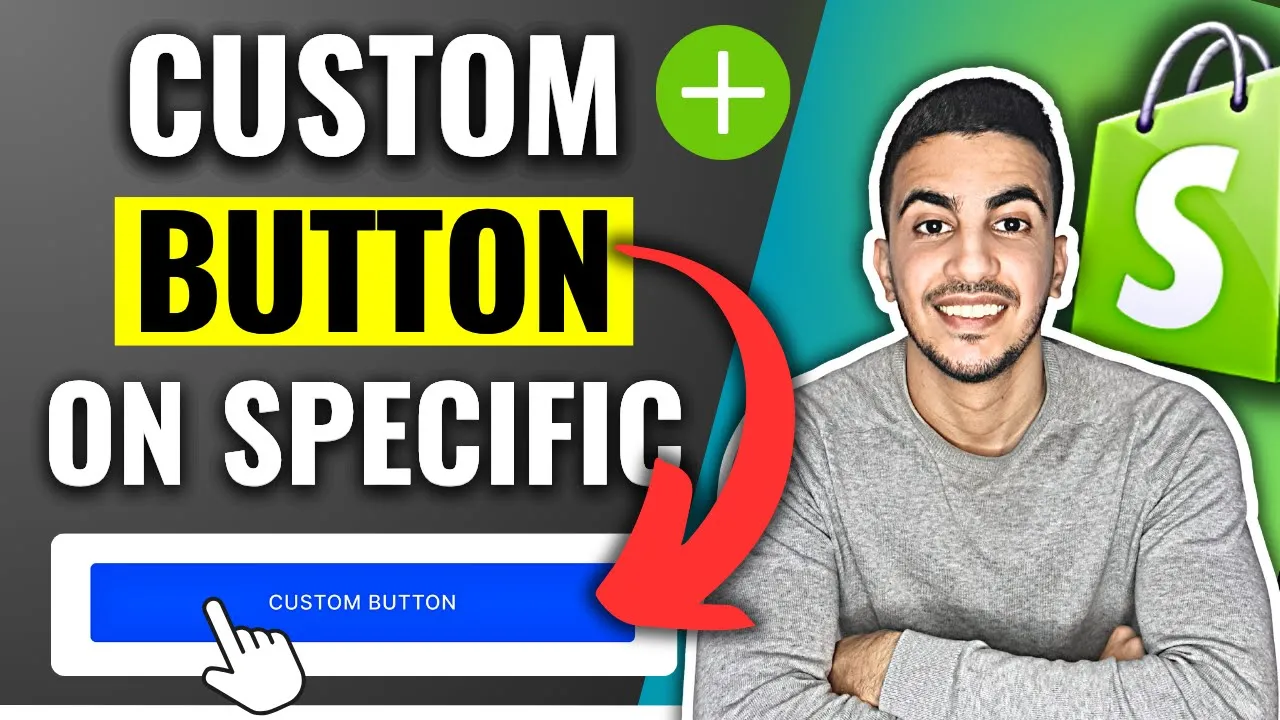
Adding a unique call to action button that appears only on selected Shopify products lets you tailor messaging, drive special actions, and refine merchandising strategy unlocking several strategic advantages:
Targeted Engagement
• Draws extra attention to flagship items, limited editions, or high margin SKUs
• Differentiates priority products with a standout label such as “Book a Demo,” “Personalize,” or “Pre-Order”
• Guides shoppers toward the desired next step instead of the default add to cart flow
• Frames exclusivity by showing the button only where it matters, not store- wide
User Experience
• Reduces confusion by aligning the CTA with the product’s unique purchase process (e.g., customization form)
• Improves clarity on complex offerings like made to measure apparel or subscription boxes
• Enhances mobile usability with a clear, thumb friendly tap target tailored to the product’s journey
• Respects accessibility when the custom button carries descriptive aria labels and focus states
Conversion Optimization
• Boosts action rates by matching copy to shopper intent “Start Design” can outperform generic CTAs
• Captures leads for out of stock or upcoming items through “Join Waitlist” buttons
• Supports upsells and cross sells special buttons can link to bundle builders or service add-ons
• Enables A/B testing of text, color, and placement on just the products that drive the most revenue
Marketing Flexibility
• Aligns with seasonal campaigns by swapping button text for limited time promos (“Gift Wrap Free”)
• Integrates seamlessly with influencer or ad landing pages that promise a unique action path
• Allows rapid iteration change the CTA on a single product without affecting the global theme
• Generates cleaner analytics: isolate performance metrics for products with the custom button versus standard flow
CODE :
{% comment %}
<!-- Designed by OnHOW YouTube Channel - Anas El Medlaoui -->
{% endcomment %}

{% if product.tags contains 'btn' %}
<a href="your_custom_url" class="button onhow-custom-btn">Custom Button</a>
{% endif %}

{% style %}
.onhow-custom-btn {
    display: flex;
    justify-content: center;
    align-items: center;
    width: 100%;
    margin: 0;
    padding: 14px 24px;
    color: #ffffff; /* CHANGE: Button text color */
    background: #205ec9; /* CHANGE: Button background color */
    font-weight: 500;
    text-decoration: none;
    border-radius: 4px;
    transition: all 0.3s ease;
    border: 2px solid #205ec9; /* CHANGE: Button border color (match background) */
    font-family: var(--font-body-family);
    font-size: var(--font-body-size);
    text-transform: uppercase;
    letter-spacing: 0.5px;
}

.onhow-custom-btn:hover {
    background: transparent; /* CHANGE: Hover background (transparent or new color) */
    color: #205ec9; /* CHANGE: Hover text color (usually matches original background) */
    transform: translateY(-2px);
    box-shadow: 0 8px 20px rgba(32, 94, 201, 0.3); /* CHANGE: Hover shadow color (R, G, B, opacity) */
}

.onhow-custom-btn:active {
    transform: translateY(0);
    box-shadow: 0 4px 10px rgba(32, 94, 201, 0.2); /* CHANGE: Active shadow color (same RGB as hover, lower opacity) */
}

.onhow-custom-btn:focus {
    outline: 2px solid #205ec9; /* CHANGE: Focus outline color (accessibility) */
    outline-offset: 2px;
}

.product__info-container .product-form {
    margin: 0;
}

@media screen and (max-width: 749px) {
    .onhow-custom-btn {
        padding: 12px 20px;
        font-size: 14px;
    }
}
{% endstyle %}