
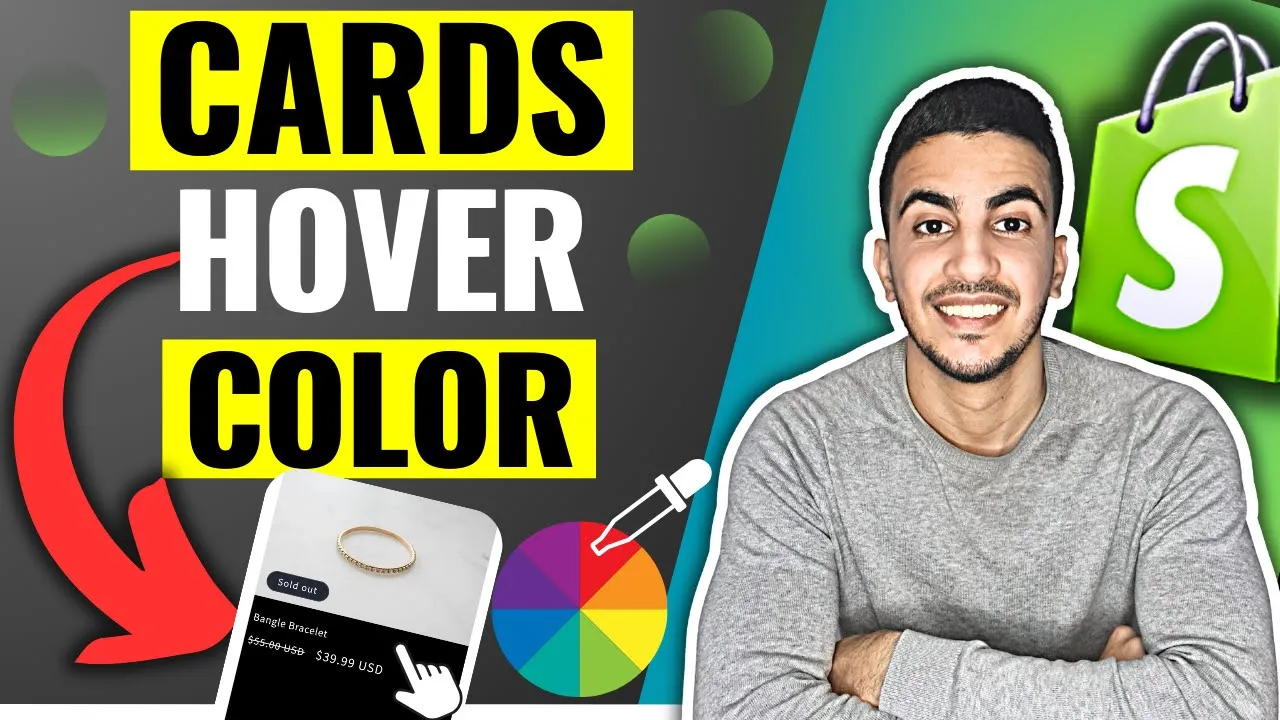
Benefits of Adding Hover Color to Product Cards in Shopify
Implementing hover triggered color enhancements on your product cards amplifies visual engagement, improves user interaction, and boosts conversion potential, unlocking several strategic advantages:
Hover State Visual
• Creates an eye catching highlight effect that draws focus to individual product cards.
• Introduces depth and interactivity, transforming static grids into dynamic showcases.
• Reinforces brand identity through consistent use of brand colors in hover states.
• Provides smooth, GPU-accelerated transitions for a polished, modern aesthetic.
Interactive Browsing
• Offers immediate visual feedback, indicating clickable areas and enhancing intuitiveness.
• Guides user attention to product details, simplifying browsing and reducing decision fatigue.
• Improves accessibility by clearly defining focus states for keyboard navigation.
• Enhances mobile usability by distinguishing tappable zones, reducing accidental taps.
Conversion Boost
• Increases click through rates by making products feel more interactive and engaging.
• Encourages product exploration, potentially driving up average order values.
• Reduces bounce rates by maintaining user interest with subtle yet appealing animations.
• Builds trust and perceived quality, reflecting a professional and attention to detail design.
Seamless Integration
• Achievable with simple CSS :hover selectors and transition properties no JavaScript required.
• Enables rapid testing of different hover colors and effects without extensive theme edits.
• Compatible with most Shopify themes via CSS overrides, ensuring broad theme support.
• Minimal performance impact, leveraging lightweight code and efficient browser rendering.
CODE :
.card-wrapper:hover .card {
  background-color: #000000; /* Change this hex code to your desired hover background */
  border-radius: 0 0 15px 15px; /* this for rounded bottom corners */
  transition: background-color 0.3s ease, border-radius 0.3s ease;
}

/* Text color change on hover */
.card-wrapper:hover .card__heading,
.card-wrapper:hover .card__heading a,
.card-wrapper:hover .price,
.card-wrapper:hover .price--on-sale .price__sale,
.card-wrapper:hover .price__regular,
.card-wrapper:hover .price__compare,
.card-wrapper:hover .price__compare s,
.card-wrapper:hover .price-item--regular,
.card-wrapper:hover .price-item--sale,
.card-wrapper:hover .price del,
.card-wrapper:hover .caption-with-letter-spacing,
.card-wrapper:hover .rating-text,
.card-wrapper:hover .card__information-volume-pricing-note {
  color: #ffffff !important; /* Change this hex code to your desired hover text color */
  transition: color 0.3s ease;
}

/* this for the quick add button text color on hover */
.card-wrapper:hover .quick-add__submit {
  color: #ffffff !important;
  border-color: #ffffff !important;
}

/* this will move the title & price slightly to the right */
.card__heading,
.card__content .price {
  margin-left: 5px;
}

/* this will remove underline from product title on hover */
.card__heading a:hover {
  text-decoration: none !important;
}