
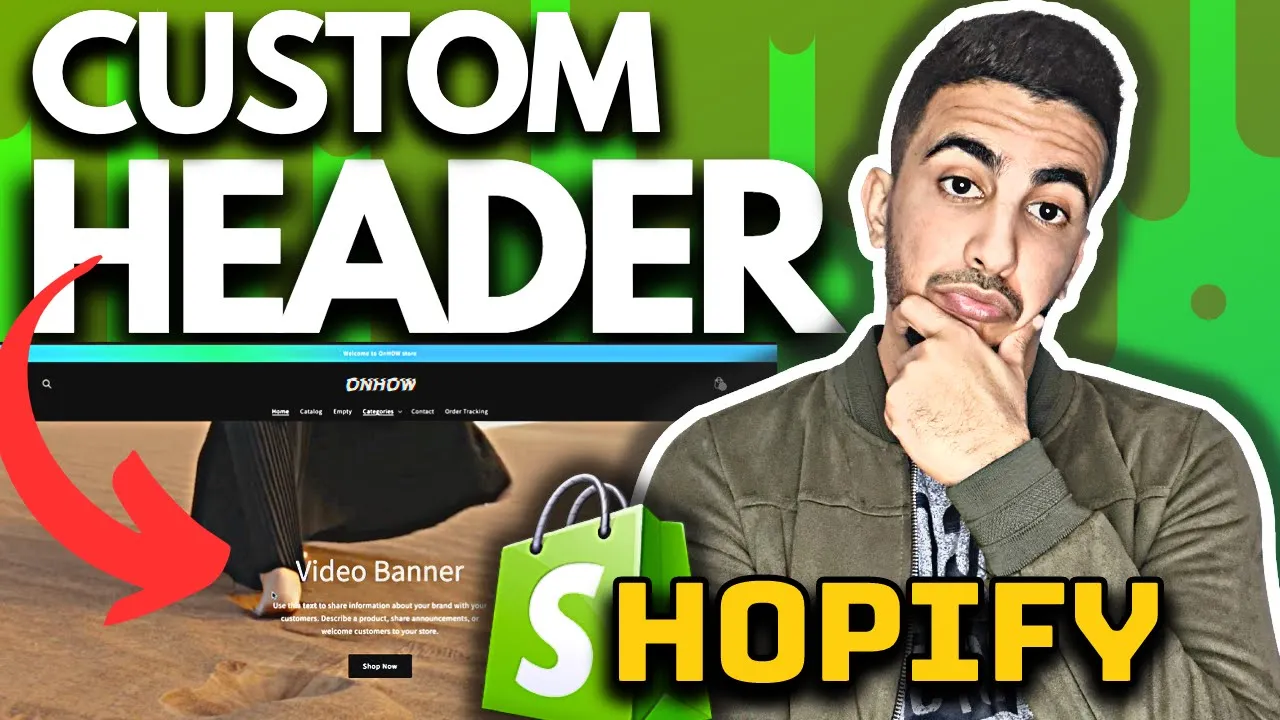
Benefits of Creating and Adding Custom Headers in Shopify
Implementing a custom header on your Shopify store delivers several strategic advantages:
Brand Identity Benefits
- Creates immediate brand recognition through consistent header presence across all store pages
- Establishes premium brand positioning through professionally designed navigation interfaces
- Differentiates your store from thousands of others using standard theme header configurations
- Communicates brand personality directly through your most frequently viewed store element
Navigation Experience Benefits
- Optimizes menu structures specifically for your unique product categories and collection hierarchy
- Creates intuitive pathways tailored to your specific customer journey and shopping patterns
- Improves category discovery through strategic menu organization beyond theme limitations
- Reduces friction between different store sections through purpose-built navigation systems
Conversion Optimization Benefits
- Strategically positions high-priority links, search functions, and cart elements for maximum engagement
- Creates persistent access to key conversion tools regardless of customer browsing location
- Improves search function visibility and utilization through optimized placement and styling
- Establishes clear visual hierarchy that guides visitors toward desired conversion actions
CODE :
{%- if section.blocks.size > 0 -%}

{%- for block in section.blocks -%}

{%- assign img_url = block.settings.image | img_url: '1x1' | replace: '_1x1.', '_{width}x.' -%}

{% if block.type == 'video' %}

<div class="videoBox" style="{%- if block.settings.video_link == blank -%}background-image: url('{{ block.settings.video_image  | img_url: 'master' }}');{%- endif -%}">


{%- if block.settings.video_link != blank -%}

<div class="fullscreen-video-wrap">

<video class="video-js" loop autoplay preload="none" muted playsinline

poster="https:{{ block.settings.video_image | img_url: 'master' }}">

<source src="{{ block.settings.video_link }}" type="video/mp4">

</video>

</div>

{% endif %}


<div class="videoBoxInfo">

{% if block.settings.title != blank %}

<h1 class="videoBoxInfoTitle" style="color: {{ block.settings.color_text }}">

{{ block.settings.title | escape }}

</h1>

{% endif %}

{%- style -%}

.videoBackground .imageBoxInfoDescription p {

color: {{ block.settings.color_text }}!important;

}

{%- endstyle -%}

{% if block.settings.text != blank %}

<div class="imageBoxInfoDescription" id="{{ block.id }}" style="color: {{ block.settings.color_text }}">

{{ block.settings.text }}

</div>

{% endif %}

{% if block.settings.button_link != blank and block.settings.button_label != blank %}

<a href="{{ block.settings.button_link }}" class="videoBoxInfoBtn" style="color: {{ block.settings.color_btn_text }}; background: {{ block.settings.color_btn_bg }}">

{{ block.settings.button_label | escape }}

</a>

{% endif %}

</div>

</div>

{% else %}

<div class="imageBox" style="background-color: {{ block.settings.color_bg }}; {%- if block.settings.image_bg != blank -%}background-image: url('{{ block.settings.image_bg | img_url: 'master' }}');{%- endif -%}">

<div class="imageBoxInfo">

{% if block.settings.title != blank %}

<h1 class="imageBoxInfoTitle" style="color: {{ block.settings.color_text }}">

{{ block.settings.title | escape }}

</h1>

{% endif %}

{%- style -%}

.videoBackground .imageBoxInfoDescription p {

color: {{ block.settings.color_text }}!important;

}

{%- endstyle -%}

{% if block.settings.text != blank %}

<div class="imageBoxInfoDescription" id="{{ block.id }}" style="color: {{ block.settings.color_text }}">

{{ block.settings.text }}

</div>

{% endif %}

{% if block.settings.button_link != blank and block.settings.button_label != blank %}

<a href="{{ block.settings.button_link }}" class="imageBoxInfoBtn" style="color: {{ block.settings.color_btn_text }}; background: {{ block.settings.color_btn_bg }}">

{{ block.settings.button_label | escape }}

</a>

{% endif %}

</div>

</div>

{% endif %}

{%- endfor -%}

{% else %}

<div class="placeholderNoblocks">

This section doesn’t currently include any content. Add content to this section using the sidebar.

    </div>

{%- endif -%}

<style>

.main-content .videoBackground {

margin-top: -55px;

}

.videoBackground {

position: relative;

}

.videoBackground .fullscreen-video-wrap {

position: absolute;

top: 0;

left: 0;

min-width: 100%;

width: 100%;

height: 100%;

overflow: hidden;

}

.videoBackground .fullscreen-video-wrap .video-js {

position: absolute;

top: 0;

left: 0;

min-height: 100%;

min-width: 100%;

width: 100%;

height: 100%;

object-fit: cover;

}

.videoBackground .fullscreen-video-wrap video {

min-height: 100%;

min-width: 100%;

object-fit: cover;

}

.videoBackground .videoBox {

display: flex;

align-items: center;

justify-content: flex-end;

flex-direction: column;

padding: 100px 20px 80px;

background-size: cover;

background-position: center;

background-repeat: no-repeat;

min-height: 500px;

max-height: 800px;

        height: calc(100vh - 165px);

position: relative;

}

.videoBackground .imageBox {

display: flex;

align-items: center;

justify-content: flex-end;

flex-direction: column;

padding: 100px 20px 80px;

background-size: cover;

background-position: center;

background-repeat: no-repeat;

position: relative;

min-height: calc(100vh - 165px);

height: auto;

}

.videoBackground .videoBoxInfo, .videoBackground .imageBoxInfo {

z-index: 2;

margin: auto;

text-align: center;

}

.videoBackground .overlay {

content: "";

position: absolute;

top: 0;

right: 0;

bottom: 0;

left: 0;

background: #000;

z-index: 1;

}

.videoBackground .videoBoxInfoBtn, .videoBackground .imageBoxInfoBtn {

-moz-user-select: none;

-ms-user-select: none;

-webkit-user-select: none;

user-select: none;

-webkit-appearance: none;

-moz-appearance: none;

appearance: none;

display: inline-block;

width: auto;

text-decoration: none;

text-align: center;

vertical-align: middle;

cursor: pointer;

border: 1px solid transparent;

border-radius: 2px;

padding: 10px 30px;

font-style: normal;

font-weight: normal;

letter-spacing: 0.06em;

white-space: normal;

font-size: 16px;

margin-top: 20px;

}

.videoBackground .videoBoxInfoTitle, .videoBackground .imageBoxInfoTitle {

color: #FFF;

font-size: 65px;

line-height: 40px;

}

.videoBackground .videoBoxInfoDescription, .videoBackground .imageBoxInfoDescription {

max-width: 500px;

margin: 0 auto;

}

.videoBackground .videoBoxInfoDescription p, .videoBackground .imageBoxInfoDescription p {

font-size: 17px;

line-height: 28px;

}

.videoBackground .placeholderNoblocks {

text-align: center;

max-width: 500px;

margin: 0 auto;

}

    @media screen and (max-width: 767px) {

.main-content .videoBackground {

margin-top: -35px;

}

.videoBackground .fullscreen-video-wrap {

z-index: 3;

}

.videoBackground .videoBox {

min-height: 300px;

height: 100%;

position: relative;

padding: 0;

}

.videoBackground .fullscreen-video-wrap {

position: relative;

min-height: 300px;

z-index: -2;

}

.videoBackground .videoBoxInfo {

padding: 2px 20px;

width: 100%;

}

.videoBoxInfoTitle, .videoBackground .videoBoxInfoBtn {
display: none;

}

    }

</style>


{% schema %}

{

"name": {

"en": "Video Background"

},

"class": "videoBackground",

"max_blocks": 1,

"blocks": [

{

"type": "video",

"name": "Video",

"settings": [

{

"type": "url",

"id": "video_link",

"label": {

"en": "Video link"

}

},

{

"type": "image_picker",

"id": "video_image",

"label": {

"en": "Cover image"

}

},

{


"type": "header",

"content": {

"en": "Text"

}

},

{

"type": "text",

"id": "title",

"label": {

"en": "Heading"

},

"default": "Video slide"

},

{

"type": "richtext",

"id": "text",

"label": {

"en": "Description"

},

"default": {

"en": "<p>Use this text to share information about your brand with your customers. Describe a product, share announcements, or welcome customers to your store.</p>"

}

},

{

"type": "color",

"id": "color_text",

"label": {

"en": "Text color"

},

"default": "#ffffff"

},

{

"type": "text",

"id": "button_label",

"label": {

"en": "Button label"

}

},

{

"type": "url",

"id": "button_link",

"label": {

"en": "Button link"

}

},

{

"type": "color",

"id": "color_btn_bg",

"label": {

"en": "Background button color"

},

"default": "#ffffff"

},

{

"type": "color",

"id": "color_btn_text",

"label": {

"en": "Button text color"

},

"default": "#ffffff"

}

]

},

{

"type": "image",

"name": "Image",

"settings": [

{

"type": "color",

"id": "color_bg",

"label": {

"en": "Background color (optional)"

},

"default": "#16165b"

},

{

"type": "image_picker",

"id": "image_bg",

"label": {

"en": "or use an image (required)"

}

},

{

"type": "range",

"id": "overlay_opacity",

"label": {

"en": "Overlay opacity"

},

"min": 0,

"max": 99,

"step": 1,

"unit": {

"en": "%"

},

"default": 0

},

{

"type": "header",

"content": {

"en": "Text"

}

},

{

"type": "text",

"id": "title",

"default": "Image slide",

"label": {

"en": "Heading"

}

},

{

"type": "richtext",

"id": "text",

"label": {

"en": "Description"

},

"default": {

"en": "<p>Use this text to share information about your brand with your customers. Describe a product, share announcements, or welcome customers to your store.</p>"

}

},

{

"type": "color",

"id": "color_text",

"label": {

"en": "Text color"

},

"default": "#ffffff"

},

{

"type": "text",

"id": "button_label",

"label": {

"en": "Button label"

}

},

{

"type": "url",

"id": "button_link",

"label": {

"en": "Button link"

}

},

{

"type": "color",

"id": "color_btn_bg",

"label": {

"en": "Background button color"

},

"default": "#ffffff"

},

{

"type": "color",

"id": "color_btn_text",

"label": {

"en": "Button text color"

},

"default": "#ffffff"

}

]

}

],

"presets": [

{

"name": {

"en": "Video Background"

},

"category": {

"en": "Main"

},

"blocks": [

{

"type": "video"

}

]

}

]

}

{% endschema %}