
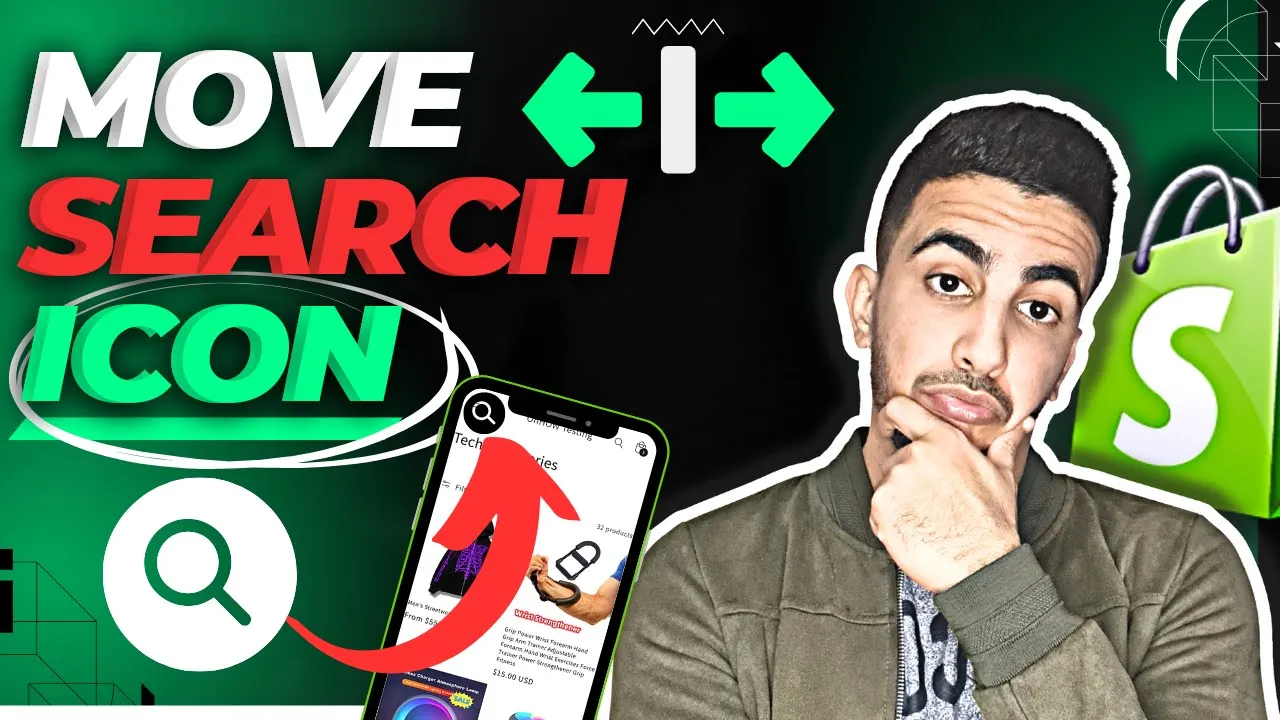
Benefits of Moving Search Icon to the Left on Mobile in Shopify
Moving your search icon to the left side of mobile navigation offers several strategic advantages:
Visual Hierarchy Benefits
- Establishes search prominence in the primary reading position for left-to-right languages
- Creates immediate visibility where users naturally begin visual scanning patterns
- Distinguishes search functionality from less critical navigation options typically on the right
- Ensures this essential discovery tool receives first attention in the mobile header
User Experience Benefits
- Eliminates thumb stretching across screen for right-handed users accessing search
- Reduces cognitive effort by positioning search where navigation typically begins
- Prevents search from being overlooked when users focus on left-side main menu options
- Creates more intuitive alignment with common left-side hamburger menu positioning
Accessibility Benefits
- Improves one-handed access for users with limited dexterity or mobility challenges
- Creates better functional pairing when positioned near other primary navigation elements
- Provides consistent left-aligned placement that matches other key interactive elements
- Ensures search remains highly discoverable within constrained mobile viewing areas
Navigation Efficiency Benefits
- Reduces interaction steps by positioning search at the initial visual entry point
- Accelerates product discovery by elevating search to primary navigation position
- Highlights search functionality as a core shopping capability rather than secondary option
- Creates more efficient left-to-right workflow for search-then-browse behaviors
CODE :
<style>
@media screen and (max-width: 767px) {
  summary.header__icon.header__icon--search {
       position: absolute;
       left: 58px;
       top: 16px;
  }
}
</style>